


Social Media in LMS
Integrating Social Media into Online Education
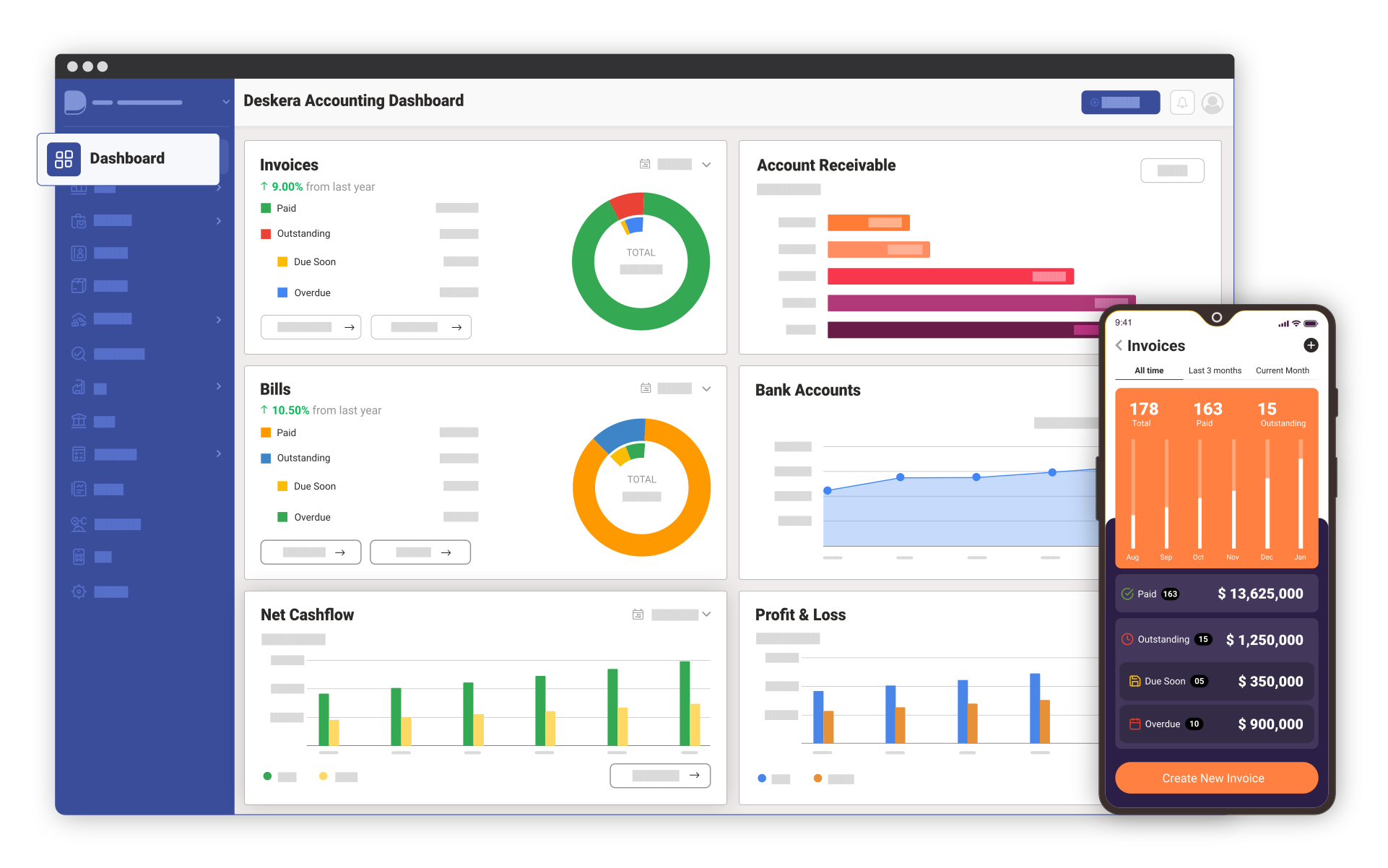
Deskera Learning Management software enables faculty to teach online courses through a combination of social media and LMS system. Our Social media tools provide blogs and other forms of discussion that exist outside of the classroom to allow collaboration between students across the institution. Our LMS software provides personal learning space to students where they can create a blog, share sites, and collaborate in a variety of ways with other students. It also allows clubs and departments to create Facebook-like social site to share information. Faculty members can also user social media tools to create hybrid course such as blogs or wikis. RSS Integration provides students and teachers quick access and updates on any new learning content or activity. Real time Chat and Instant Messaging in Deskera LMS fosters collaboration among teachers and students.
Deskera LMS Collaboration feature is designed to help users involved in a common task to achieve their goals through sharing of ideas, doubts, best practices and learning content. It enables you to use IM and Email tools for real time communication, participate in discussion forums, create and share your personal calendars and set event and assignment reminders and maintain a list of contacts with IM, Email and other personal information.
Deskera LMS ensures effective knowledge dissemination through extensive communication and collaboration among stakeholders. It helps you to solve complex problems with highly-interactive, knowledge-based Deskera LMS Collaboration feature.
Key Features
File sharing for collaboration in LMS:
Learning Management System allows students and faculty members to share online documents, presentations, excel sheets with each other. Online document sharing makes it easier to collaborate and share text documents, spreadsheets and presentations.
Video Conferencing in LMS:
LMS enables faculty members to conduct online training sessions, students can record training sessions and share video with other students. Students and faculty can also create user groups within a conference call so you can have chat.
Online Polls & Surveys in LMS:
Faculty can conduct mix polls ad surveys with social media for more engagement and better material with LMS software.
Discussion Forums in LMS:
Learning Management System allows you to create threads on any topic in discussion forums, view new posts easily, group threads and define forum rules. Record all posts on discussion forums and retrieve them at any point of time with discussion forum in LMS.
Emails in LMS:
Learning Management System email provides a single messaging system across all courses for each student with an efficient and easy to use functionality to send messages to anyone in their network.
Chat and IM in LMS:
Communicate with team members and discuss issues in real time through group chat and instant messaging functionality with Chat & IM feature in LMS.
Contact Management in LMS:
Manage your contacts within and outside the organization with Contact Management System in LMS. Add contacts as friends and chat with them real-time for quick and efficient collaboration.
Course Calendars in LMS:
Maintain multiple calendars, displaying scheduled lectures, tutorials, exams as well as submission deadlines with Course Calendars in LMS. Course Calendars in LMS allows you to get a single view of schedule by workweek, day, month or any time frame through a consolidated view of multiple calendars.
To-Do Lists in LMS:
To-Do list in LMS allows you to manage many different concurrent activities or tasks by adding to-dos and proceed with your learning objectives efficiently.