


Project Planning Software

Easy-to-Use Project Planning Tools through Interactive Gantt Charts, Task Progress, Task Grid and more.

Project Planning

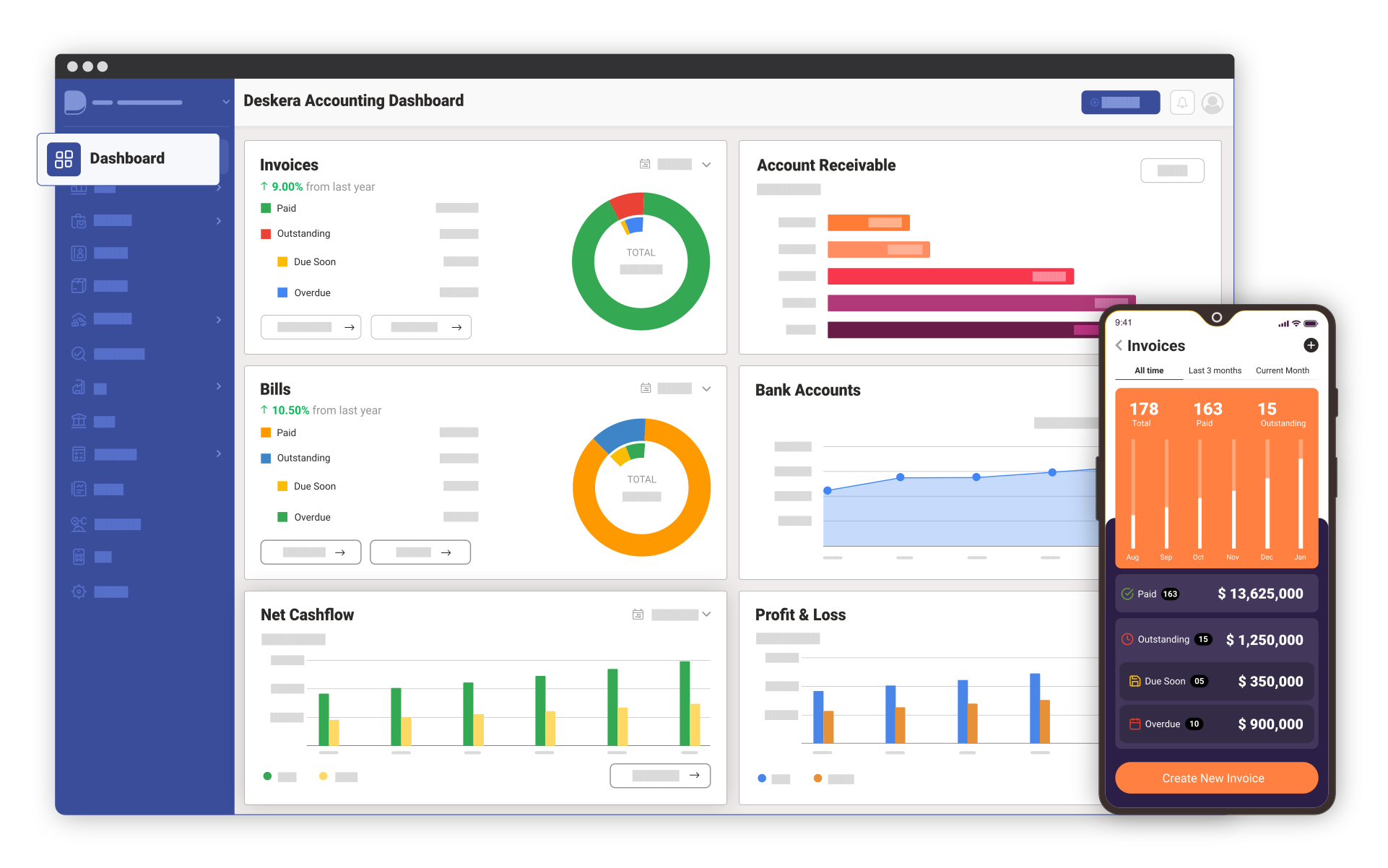
Project Management involves planning of project activities by making use of schedules such as interactive Gantt Charts. Deskera Project Planning feature helps in complete development and maintenance of your project plan. It helps you to analyze how long a project should take to finish, lays out the order in which the tasks should be carried out, lets you see immediately what should have been achieved at any point in time, and more.

Furthermore, Project Planning enables you to develop task structures, assign priorities and define multiple milestones using interactive Gantt charts, manage team tasks along with deadlines and performance credits through the Task Manager, individually track project status and maintain to-do lists, and send out milestone reminders based on project calendar entries. You can also embed project plan anywhere on the web. Learn more about embedding project plan anywhere on the web.


Key Features of Project Planning

Import Projects

Import Projects:
Import your projects from other Project Management applications such as Basecamp or in a CSV file format and start working on them instantly.


Gantt Charts

Interactive Gantt Charts:
Create and view your Project Work Breakdown Structure in an easy-to-navigate layout. Interactive Gantt Charts enable you to illustrate the project schedules, view the task resources assigned with their unique color codes, and more. You can also alter the task duration by simply dragging and dropping the horizontal bars. Learn more about Gantt Charts


Intuitive Task Grid

Intuitive Task Grid:
Create tasks by specifying task duration and milestones, allocate resources to the tasks and view overdue tasks through intuitive color coding.


Task Progress

Task Progress:
You can sync your project plan with team calendar so that all individual tasks are displayed on a collaborative calendar interface.


Task Information

Task Information:
View task details including task progress, priority, predecessors, resources and more.


Sync Project Plan

Sync Project Plan:
You can sync your project plan with team calendar so that all individual tasks are displayed on a collaborative calendar interface.


Manage To Do Lists

Manage To Do Lists:
Manage many different concurrent activities or tasks by adding to-dos and proceed with your project efficiently. Learn more about To-Do Lists


Key Benefits of Project Planning

  • Manage tasks efficiently by representing all tasks in the project clearly and in a simple way.
  • Achieve pre-defined objectives through efficient project planning.
  • Identify probable project risks and overcome them.
  • Save money as well as time through efficient project planning.

Additional Features of Project Planning

  • Create and save templates to simplify project set up.
  • Add/edit/delete new tasks to a project plan easily.
  • Cut, copy and paste tasks between different project plans.
  • Indent/outdent tasks for defining sub-tasks and parent tasks.
  • View Task Progress, Task Priority and Tasks Overdue in real time.
  • Export projects in a CSV or MS Project Management compatible file format.
  • View detailed reports of project overview, activities, baseline and workload.
  • Resolve Resource Conflicts easily.